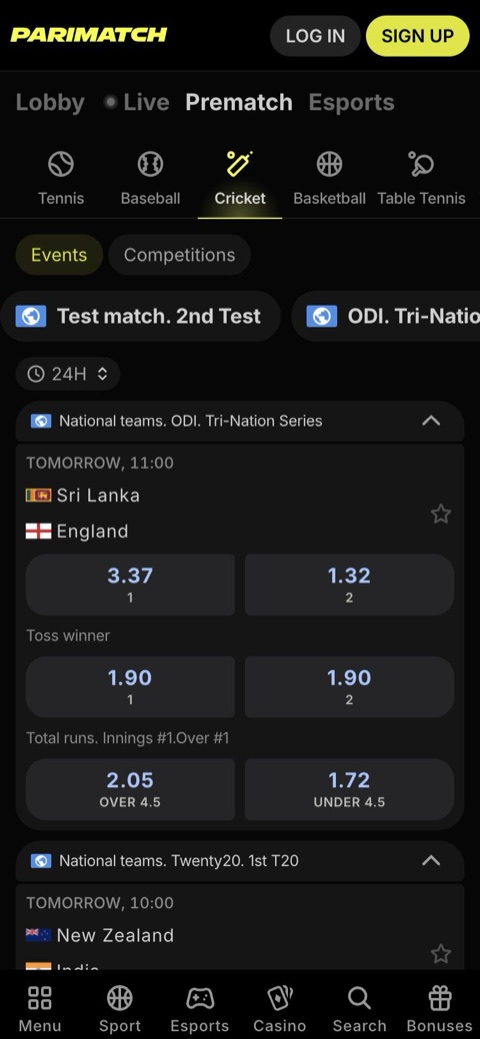
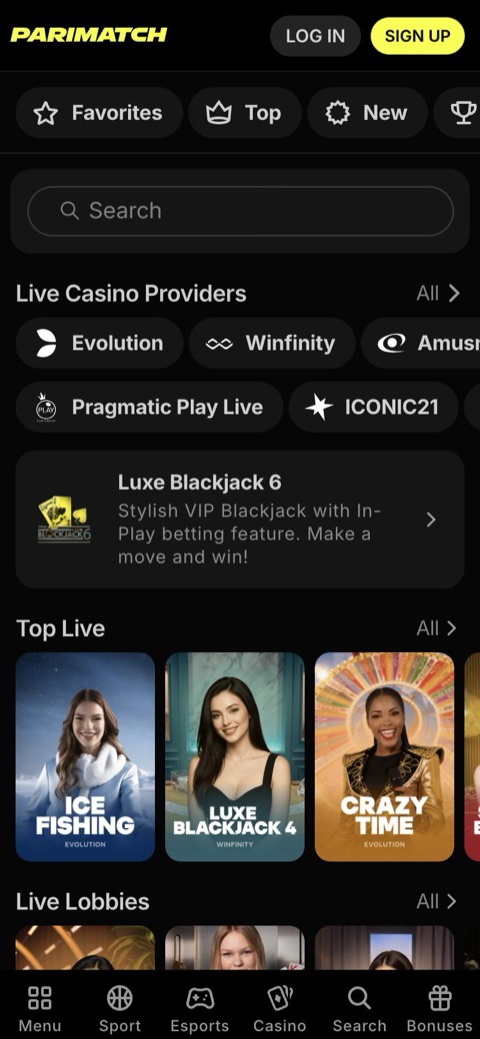

Parimatch App Overview
The Parimatch app puts the sportsbook, casino and cashier on one screen, with one account and balance for Parimatch cricket bets, slots and live dealer tables. Android users install an APK file, iPhone and iPad users add a web app (PWA) from Safari, and PC users open the desktop version in a browser.
The app is not listed on Google Play, and there is no App Store app for India, so every installation starts from Parimatch directly.
| Parameter | Details |
|---|---|
| Platforms | Android (APK or web app), iPhone and iPad (web app), PC (browser) |
| Android file size | Around 70–80 MB, varies by version; about 100 MB once installed |
| Android requirements | Android 5.0 or newer, 1 GB RAM, 150–200 MB free storage |
| iOS requirements | iOS or iPadOS 12 or newer in Safari, per most reviews |
| PC | No Windows or macOS client; desktop version in any browser |
| Price | Free to download |
| Languages | English and Hindi |
| Account currencies | INR, USDT, USDC |
| Payments | UPI, PhonePe, Paytm, Google Pay, USDT/USDC |
| App bonus | PWA Welcome: 400% bonus pack up to ₹1,80,000 in rewards |
| Age | 18+ |
Parimatch App Features
The app covers the same products as the browser version, in English or Hindi, and keeps the account one tap away on the home screen. These are the tools that matter most for players in India:
Sportsbook & Casino Together
Pre-match and live betting, slots, live casino, instant games such as Aviator and JetX, TV games and virtual sports share one account and balance.
Live Betting
Ball-by-ball cricket odds with next-ball, next-over and next-wicket markets, plus live football, tennis, kabaddi and esports.
Live Streaming
Selected events can be watched after logging in; other matches come with live trackers and statistics.
Cash Out
Settle a bet early, fully or partly, on markets where Cash Out is offered.
Push Notifications
The app can send push notifications, which the mobile version in a browser offers only partly or not at all. On iPhone, alerts from the web app need iOS 16.4 or newer.
UPI Deposits & Withdrawals
Deposits from ₹300 and payouts to a UPI ID linked to Google Pay, PhonePe, Paytm or BHIM; USDT and USDC work as well.
Bets & Stats
Open and settled bets, live match statistics and the transaction history stay available on the go.
Sign-Up & Login Options
Google, Apple, a +91 phone number or e-mail, with the same login on the APK, the web app and the browser.
24/7 Online Chat
Live chat answers around the clock, usually within a few minutes, and the Help Centre covers common questions.
All sections of the bookmaker are available in the app:
- Cricket
- Football
- Kabaddi
- Tennis
- Esports
- Slots
- Live Casino
- Aviator
- Crash games
- TV Games
- Virtual Sport
Parimatch APK for Android: Requirements & Devices
The Android version of the Parimatch app comes as an APK file, downloaded directly from Parimatch rather than from Google Play. Recent reports put the file at around 70–80 MB, depending on the version, and about 100 MB once installed.
Android System Requirements
| Parameter | Minimum | Recommended |
|---|---|---|
| Android version | 5.0 | 6.0 or newer |
| RAM | 1 GB | 2 GB |
| Processor | Quad-core, 1.2 GHz or higher | |
| Free storage | 150–200 MB for installation and updates | |
| APK file size | Around 70–80 MB, varies by version | |
| Space after installation | About 100 MB | |
Supported Android Devices
Most phones and tablets that meet these requirements run the app. Brands popular in India that usually qualify include:
- Samsung Galaxy A, M and S
- Xiaomi
- Redmi
- POCO
- OnePlus
- Realme
- Vivo
- Oppo
- Motorola
- Google Pixel
1 GB RAM is the minimum, but 2 GB or more is recommended for live odds and Parimatch casino games, for example during a busy IPL evening.
Parimatch APK Download & Installation Steps
- Open Parimatch in Chrome. Launch Chrome on the Android phone and go to Parimatch, for example through the “Download the App” button on this page.
- Find the App section. Tap the App button or open the App section, then tap “Download for Android”.
- Confirm the download. If Chrome warns about the file type, tap “Download anyway”. The APK weighs around 70–80 MB.
- Allow unknown sources. When Android asks, allow Chrome or the file manager to install unknown apps, then return to the installer.
- Open the APK. Tap the downloaded file in the notification bar or in the Downloads folder.
- Install. Tap “Install” and wait until Android finishes the installation.
- Log in or sign up. Open the Parimatch icon on the home screen, then log in with an existing account or create a new one.
Install prompt instead of an APK. Sometimes Parimatch shows an install or “Add to Home screen” prompt for the web app instead of the APK download. Accepting the prompt places the icon on the home screen without any file.
About unknown sources. Android blocks APK files from outside Google Play by default. Grant the permission only to the browser or file manager used for the installation and switch the permission off afterwards. Download the APK only through Parimatch: modified files from APK mirror sites, Telegram channels or file-sharing links can carry malware and steal login data.
Parimatch for iPhone & iPad: iOS Web App
There is no Parimatch app in the App Store for India. iPhone and iPad users install a web app (PWA) instead: Safari saves Parimatch to the home screen as an icon that opens the sportsbook in one tap.
No installation file is needed, and the web app updates itself, so nothing has to be reinstalled when a new version comes out.
| Parameter | Details |
|---|---|
| System | iOS or iPadOS 12 or newer per most reviews; a current version is recommended |
| Push notifications | iOS 16.4 or newer |
| Browser | Safari |
| iPhone models | In practice, iPhone 6s, iPhone SE and newer |
| iPad models | iPad 5th generation and newer |
| Installation | Through “Add to Home Screen”, no file to download |
| Updates | Automatic |
How to Install Parimatch on iPhone via Safari
- Open Safari. Other iPhone browsers may not show the “Add to Home Screen” option, so start in Safari.
- Go to Parimatch. Open Parimatch, for example with the “Download the App” button on this page.
- Tap Share. The Share icon (a square with an arrow) sits at the bottom of the screen on iPhone and at the top on iPad.
- Choose “Add to Home Screen” Scroll the menu down if the option is not visible right away.
- Tap “Add” Keep the suggested name or type a shorter one, then confirm.
- Open the icon. The Parimatch icon appears on the home screen. Tap the icon and log in or sign up.
One account works everywhere: the iPhone web app, the Android APK and the browser version share the same login, balance and bet history.
Parimatch on PC: Desktop Version & Browser Shortcut
Parimatch has no separate client for Windows or macOS. On a laptop or desktop, the full desktop version runs in any browser, such as Chrome, Edge, Firefox or Safari, with the same account, balance and bonuses as on the phone.
For one-click access, Chrome and Edge can save Parimatch as a shortcut that opens in a separate window, much like a desktop program:
Google Chrome
- Open Parimatch in Chrome.
- Click the three-dot menu in the top right corner.
- Choose “Cast, save and share”, then “Install page as app” or “Create shortcut”.
- Tick “Open as window” if offered and confirm.
Microsoft Edge
- Open Parimatch in Edge.
- Click the three-dot menu in the top right corner.
- Go to “Apps” and choose the install option.
- Confirm; the shortcut then opens in a separate window and can be pinned to the taskbar or Start menu.
Any .exe file presented as a Parimatch PC client should be avoided, since no such client exists. Use the browser version or the shortcut instead.
How to Update Parimatch on Android & iPhone
New versions add features and fix bugs, and an outdated build is a common reason for loading errors.
- Android. When the app shows an update prompt, accept and install the new file. Alternatively, download the latest APK the same way as the first time and install over the old version: the account stays in place.
- iPhone and iPad. The web app updates itself, so no action is needed.
- PC. The browser version and the shortcut always open the current version.
After an Android update, delete the old APK file from Downloads to free up storage.
Sign Up & Deposit in The Parimatch App
Registration in the app uses the same form as the browser version, and new players can deposit right after signing up.
- Tap “Sign up” The yellow button sits in the top right corner of the app.
- Choose a method. Google, Apple, a +91 phone number or e-mail.
- Set a password and pick a bonus. The password needs at least 4 characters. Choose a welcome offer in the form, or no bonus.
- Accept the rules. Tick the box confirming age 18+ and acceptance of the Terms & Conditions, then enter the SMS code or follow the e-mail link.
- Open the cashier. Tap “Deposit” next to the balance in the top right corner, or open Wallet.
- Pay via UPI. Choose UPI, PhonePe, Paytm, Google Pay or crypto, enter an amount from ₹300 (or 10 USDT/USDC) and confirm the payment in the UPI app with the UPI PIN.
| Operation | Minimum | Usual time |
|---|---|---|
| Deposit via UPI, PhonePe, Paytm, Google Pay | ₹300 | Instant, usually within a few minutes |
| Deposit in USDT/USDC | 10 USDT/USDC | Instant to about 30 minutes |
| Withdrawal to UPI | Often ₹1,000 | 15 minutes to 24 hours |
| Bank transfer withdrawal | ₹500–₹1,000 depending on method | 1–3 working days |
Parimatch charges no deposit or withdrawal fees, though a bank or network fee may apply. Withdrawals need a verified account, and the first UPI payout may take up to 24 hours. Each step is covered in detail in the guides to Parimatch registration, UPI and crypto deposits and withdrawals to UPI or bank.
Install Parimatch on Your Phone Android APK or iPhone web app, one account for sports and casino
Download the AppParimatch App vs Mobile Version
The Parimatch mobile version runs in any phone browser and needs no download. Both options share one account and balance, so the choice comes down to convenience.
| Feature | App (APK or web app) | Mobile version |
|---|---|---|
| Installation | APK on Android, “Add to Home Screen” on iPhone | None, opens in a browser |
| Device storage | About 100 MB for the Android APK | Almost none |
| Push notifications | Yes (iOS 16.4+ for the iPhone web app) | Limited or none |
| Updates | Prompt on Android, automatic on iPhone | Always up to date |
| Account, balance, bonuses | Same | Same |
| 24/7 Online Chat | Yes | Yes |
The app suits regular live betting, for example ball-by-ball cricket markets, where push alerts and one-tap access from the home screen help. The mobile version is enough for occasional bets or for phones short on storage.
Parimatch App Bonus: PWA Welcome 400%
Parimatch runs a welcome offer for app users called PWA Welcome: a 400% bonus pack worth up to ₹1,80,000 in rewards. The split of the pack and the wagering terms are shown only after registration, so check the offer in Promotions before the first deposit.
| Welcome offer | Size |
|---|---|
| PWA Welcome (app) | 400% bonus pack up to ₹1,80,000 in rewards |
| Sports | 150% up to ₹20,000 or 200 USDT/USDC |
| Slots | 150% up to ₹1,05,000 or 1,200 USDT/USDC |
| Live Casino | 100% up to ₹1,00,000 or 1,000 USDT/USDC |
| Instant Games | 100% up to ₹30,000 or 350 USDT/USDC |
| Crypto | Up to 800% |
The four standard welcome offers (Sports, Slots, Live Casino and Instant Games) follow common rules: 18+, new players in India only, one welcome bonus per person, wagering only in the named section and KYC before bonus winnings can be withdrawn. Withdrawing before wagering is complete cancels the bonus and any winnings from the bonus. Full terms of every offer are collected on the Parimatch bonus page.
18+ only. Bonuses come with wagering requirements and do not guarantee profit. Daily, weekly or monthly deposit limits can be set in the account settings before claiming a large pack; more tools are listed on the responsible gambling page.
Common Parimatch App Install Problems
- Nothing happens after tapping the APK. Android blocks the installer until the browser or file manager is allowed to install unknown apps. Grant the permission in settings and open the file again.
- “App not installed” error. Usually a lack of free space or a damaged download. Free 150–200 MB of storage, delete the old file and download the APK again.
- The phone runs Android below 5.0. The APK will not work on such devices; use the mobile version in the browser instead.
- The download stops halfway. Switch between Wi-Fi and mobile data and restart the download in Chrome.
- No “Add to Home Screen” on iPhone. Open Parimatch in Safari rather than another browser and scroll the Share menu down.
- The app does not load or freezes. Install the latest version, clear the cache and restart the phone. The Help Centre has a separate article, “Website or App not Working/Loading Properly”.
- Login fails in the app. Check the phone number or e-mail and the password, or reset the password with the help of the Parimatch login guide.
If nothing helps, the Online Chat inside the app works 24/7; see the Parimatch support page. Support never asks for a password or OTP, and genuine agents do not message first on WhatsApp.
FAQ about Parimatch APK, iOS & PC
Is the Parimatch app available on Google Play or the App Store?
No. Android users download the APK directly from Parimatch, and iPhone users add the web app to the home screen through Safari.
How much space does the Parimatch APK need?
Recent reports put the file at around 70–80 MB, depending on the version, and about 100 MB after installation. Keep 150–200 MB free for the installation and future updates.
Does the Parimatch app work on older iPhones?
Most reviews list iOS 12 or newer as the minimum, which in practice covers iPhone 6s, iPhone SE and newer models. A current iOS version is recommended, and push notifications from the web app need iOS 16.4 or newer.
Is there a Parimatch app for Windows or Mac?
No. On a computer, Parimatch runs in a browser, and Chrome or Edge can save a desktop shortcut that opens in a separate window.
Will updating the APK delete my account or balance?
No. Installing a new APK over the old one keeps the account, and the balance is stored on the account rather than on the phone.
What bonus does the Parimatch app offer?
The PWA Welcome offer: a 400% bonus pack worth up to ₹1,80,000 in rewards. The split and wagering terms appear after registration.